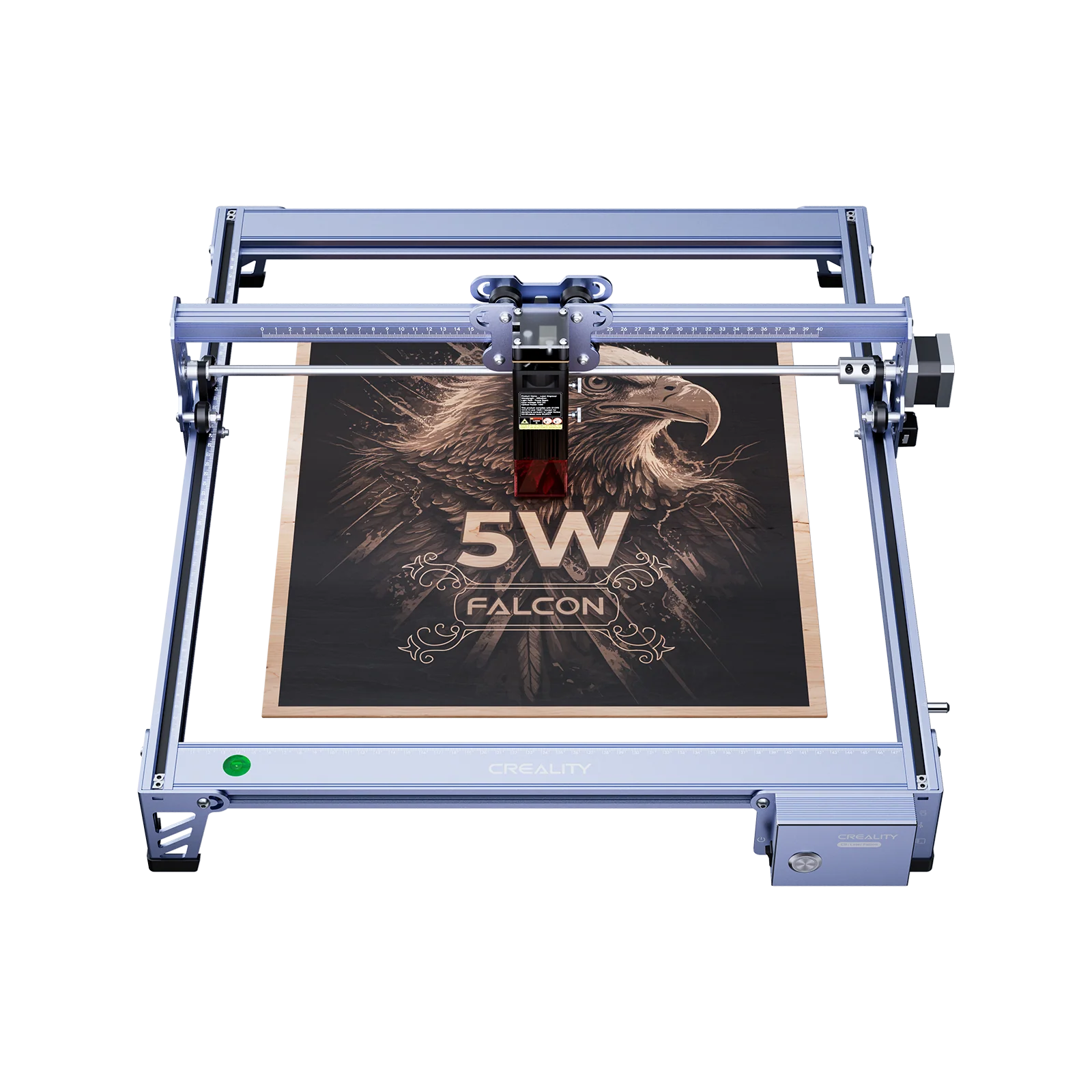
As someone deeply immersed in the world of laser cutting and engraving, I often get asked which machines truly deliver on their promises. The Creality Falcon laser cutter has gained a lot of attention, and I’ve spent considerable time testing one of its most refined models—the Falcon A1 Pro—to give you an honest, practical assessment.
If you’re wondering whether this machine is the right addition to your workshop or creative business, you’ve come to the right place. Let’s break down what makes the Falcon A1 Pro different, where it excels, and who I believe it’s best suited for.
Unboxing & First Impressions: Setting Up Your Falcon
When the Falcon A1 Pro arrived, I was immediately impressed by the professional packaging. Everything was securely nestled in custom-fit foam, and nothing felt loose or poorly protected.
One of the biggest differences compared with many diode lasers is that the A1 Pro arrives largely pre-assembled. Instead of building a full frame from scratch, setup mainly involves basic positioning and cable checks. I was ready to power on in a short amount of time.
The fully enclosed metal chassis feels solid and well-finished. Rather than feeling like a DIY kit, the machine feels like a complete product designed for everyday use in a home workshop, classroom, or small studio.
Assembly & Setup Experience: Getting Started
Because most of the Falcon A1 Pro comes pre-assembled, setup is simple and beginner-friendly. The illustrated manual is clear, and no advanced mechanical skills are required.
For first-time users, this low-friction setup is a major advantage. There’s no lengthy squaring of frames or complex alignment steps before you can start your first project. Creality clearly designed the A1 Pro to reduce the typical barriers associated with diode laser ownership.
Software & Workflow: LightBurn and Creality Software
The Falcon A1 Pro supports both third-party and official software.
I primarily used LightBurn, which offers advanced control over speed, power, layering, and image processing. While it has a learning curve, it becomes extremely powerful once you’re familiar with it.
Creality also provides Falcon Design Space, which offers a simpler interface for basic engraving and cutting tasks—ideal for beginners or quick projects.
Connectivity typically includes USB and TF (SD) card operation. Wi-Fi functionality is model-dependent and not universal across all Falcon machines. For stability and precision, a wired LightBurn workflow remains the most reliable option for longer or more complex jobs.
Performance Deep Dive: Cutting, Engraving & Materials Tested
Within the diode laser category, the Falcon A1 Pro delivers strong and consistent performance.
It handles common materials such as:
- Plywood and MDF
- Leather and cardboard
- Fabric and paper
- Coated or anodized metals
Engraving quality on wood and leather is especially impressive, producing crisp lines and good depth control. On slate and anodized aluminum, engravings show sharp contrast and fine detail.
For acrylic, diode lasers can reliably cut dark or opaque acrylic, while clear or transparent acrylic is generally not suitable.
Using air assist significantly reduces charring and smoke residue, resulting in cleaner edges and better engraving clarity. For everyday craft projects and light production work, the Falcon A1 Pro feels dependable and predictable.
Creality Falcon Best-Fit Pick
Product: Creality Falcon A1 Pro 20W Laser Engraver & Cutter
Best-fit reasons:
- 20W diode laser provides a strong balance of speed and cutting capability
- Fully enclosed design improves safety and keeps the workspace cleaner
- Smart autofocus and camera-assisted positioning simplify setup
- Well-suited for hobbyists, educators, and small businesses
Soft CTA: If you’re looking for a diode laser that combines power, safety, and intelligent workflow features, the Falcon A1 Pro is a compelling option to consider.
Safety Features & Essential Considerations
Creality Falcon machines include multiple safety protections, such as emergency stop buttons, flame detection, limit switches, and motion or tilt protection. On enclosed models like the A1 Pro, the housing also helps block stray laser light and contain debris.
Even with these built-in protections, proper ventilation is essential. Laser engraving produces fumes that should be exhausted outdoors using a dedicated extraction system. Wearing certified laser safety glasses is also strongly recommended.
Pros & Cons: A Balanced Perspective
Pros
- Beginner-friendly setup and operation
- Fully enclosed design improves safety
- Strong engraving precision and reliable cutting performance
- Compatible with LightBurn and Creality software
- Good balance between capability and price
Cons
- LightBurn has a learning curve for new users
- Ventilation system usually sold separately
- Air assist pump and cooling fans generate noticeable noise
Value for Money & Target User: Is It Right For You?
The Falcon A1 Pro offers strong value for users who want more than an entry-level laser but aren’t ready to move into expensive CO₂ systems.
It sits in a sweet spot: more polished and feature-rich than open-frame diode lasers, yet far more affordable and compact than industrial machines.
If you’re a hobbyist, educator, or small business owner looking for a dependable diode laser that balances performance, safety, and usability, the Falcon A1 Pro is well worth considering.