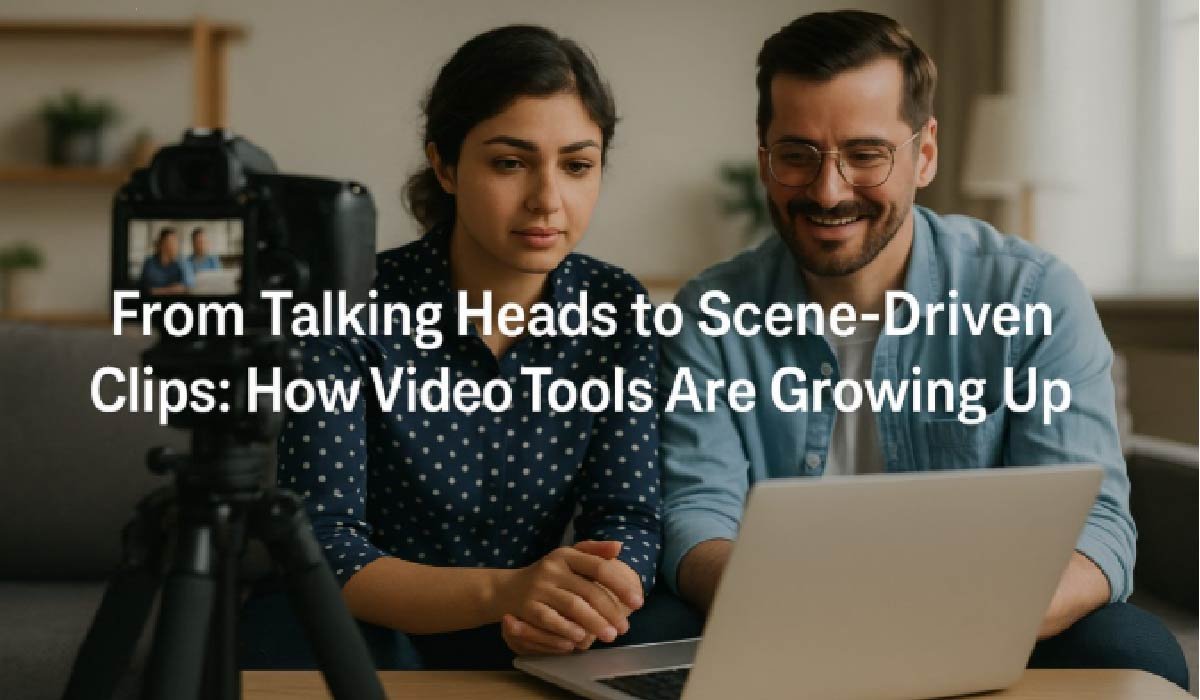
Open any social feed and you’ll see the same pattern: fewer “person in a bedroom talking to camera” clips, more short pieces that feel like mini episodes. Quick cutaways, side characters, reaction shots, little bits of drama — all squeezed into 30–60 seconds.
That shift puts pressure on how people produce video. It’s not enough for audio to be clean and the frame to be sharp. Speech has to land on the right syllable, expressions need to match the tone of the line, and the background can’t look like an afterthought. Viewers might not know why something feels off, but they scroll away fast when it does.
Why timing and expression suddenly matter more
When online video was younger, a simple monologue worked fine. You pointed a camera at yourself, hit record, and uploaded the result. Small delays between speech and mouth movement weren’t ideal, but most audiences ignored them.
Now the bar is higher:
- People watch a lot of high-end content on the same screen as indie creators.
- Many clips are subtitled, rearranged, or dubbed into other languages.
- Brands expect creators to handle product explainers, testimonials, and localized campaigns with studio-level polish.
This is why dedicated lip-sync pipelines have become part of the toolkit. A service like GoEnhance AI lip sync lets you feed in a take and a voice track, then hands back a version where mouth shapes, pauses, and timing are corrected in one pass. You still write the script and choose the voice, but you don’t lose hours nudging keyframes around.
Where Kling O1 fits in
Lip sync is only one piece of the puzzle. Newer video models such as Kling O1 aim at something broader: building or transforming entire scenes from text, reference footage, or still images.
Instead of thinking only about a single talking head, creators can sketch an idea like:
- A wide establishing shot that sets mood and location
- A closer shot where the main character delivers the line
- A cutaway reaction or detail shot that closes the beat
Kling O1 focuses on keeping style, motion, and camera behaviour consistent so those shots feel like they belong to the same moment. For small teams, that opens up options that previously needed a crew, a studio, and a few days of shooting.
Low-key scenes that still feel real
The clips that travel furthest aren’t always loud or flashy. A quiet exchange at a café table, a greeting at an airport, two friends walking home after a show — these are simple setups, but they rely heavily on natural body language and timing. If expressions look rigid or the motion doesn’t match the line, the spell breaks.
A practical workflow for these moments often looks like this:
- Use a lip-sync tool to make sure dialogue lands correctly.
- Lean on Kling O1 to adjust body posture, camera position, and small movements.
- Prototype close-up interactions with utilities such as a free kiss generator when you’re still sketching storyboards or testing shot ideas, before you commit to live action or full renders.
The result doesn’t have to replace filmed performances. It simply gives you a cheaper way to try angles, poses, and pacing until the scene feels right.
How production habits are changing
In many studios, AI-driven tools are not a separate department. They sit quietly between the camera and the editing timeline, doing the things nobody really enjoyed doing by hand.
A typical change in workflow looks something like this:
| Stage | Before | Now |
| Planning | Script plus rough stick-figure storyboard | Script plus quick AI-generated animatics or rough shots |
| Recording | Multiple takes for every line and angle | Fewer takes, with safety options covered by synthetic shots |
| Timing & lip work | Manual keyframing, awkward cuts, occasional re-shoots | Automated alignment followed by a short review pass |
| Extra shots & cutaways | New shoot days or stock searches | Short Kling O1 variations for alternative angles or inserts |
| Final edit | Large chunk of time spent fixing problems | More time spent on grading, sound design, and narrative flow |
The tech doesn’t remove the need for direction or taste. It just moves the effort away from repetitive corrections and towards choices that actually shape the story.
The guardrails that ensure projects stay safely on the right side of the line
As these tools grow more capable, editors and producers are quietly formalising a few rules. They’re less about theory and more about staying out of trouble with audiences, clients, and regulators.
Typical internal guidelines include:
- Clear permission. Team members sign off before their face or voice is used in generated material, and clients do the same for their staff and customers.
- Source tracking. Original footage, scripts, and audio are archived, along with notes on where each tool was applied. If a question comes up later, you can show exactly what changed.
- Labelling. When a scene is heavily simulated — for example, a product that hasn’t shipped yet — that fact is made obvious in the description, press materials, or fine print.
- Local review. For dubbed content, native speakers approve final lines so that local viewers get wording that feels natural, not just technically synchronised.
These steps don’t slow teams down much, but they reduce the risk of confusion and frustration when viewers realise a clip was heavily processed.
Getting started without rebuilding everything
For teams that haven’t experimented with these tools yet, it’s usually better to start small instead of trying to redesign the whole pipeline.
A practical approach:
- Pick one recurring format. A weekly news round-up, product update, or community Q&A is perfect. That way you can compare “before” and “after” without guessing.
- Define the look once. Decide on a base aspect ratio, framing rules, and colour style. The more consistent your reference material, the better Kling O1 and similar models behave.
- Introduce lip sync first. Fixing timing usually brings an immediate bump in perceived quality, even if nothing else changes.
- Add generated shots slowly. Start with B-roll or cutaways in places where you would normally use stock. Viewers notice if you swap out everything at once; they rarely notice one well-placed extra shot.
- Track more than views. Completion rates, comments, and repeat viewers tell you whether these adjustments actually help your audience follow the story.
The bigger picture for creators
The pattern behind all of this is simple: tools are gradually taking over the jobs that feel mechanical — nudging frames, matching syllables, filling in background motion — and leaving more space for writing, casting, and long-term planning.
Lip-sync services help spoken content feel natural in any language. Multi-shot models like Kling O1 turn rough ideas into workable sequences that you can refine inside your usual editor. Smaller utilities for specific types of close-up interaction make storyboarding faster and less dependent on scheduling extra shoots.
For creators working from a laptop or a small studio, that shift is significant. It doesn’t guarantee better ideas, but it does mean that once you have a good idea, you’re much less limited by time, budget, or the number of people you can get in front of a camera on any given day.