A Practical Workflow for AI Image Generation + AI Video Generation

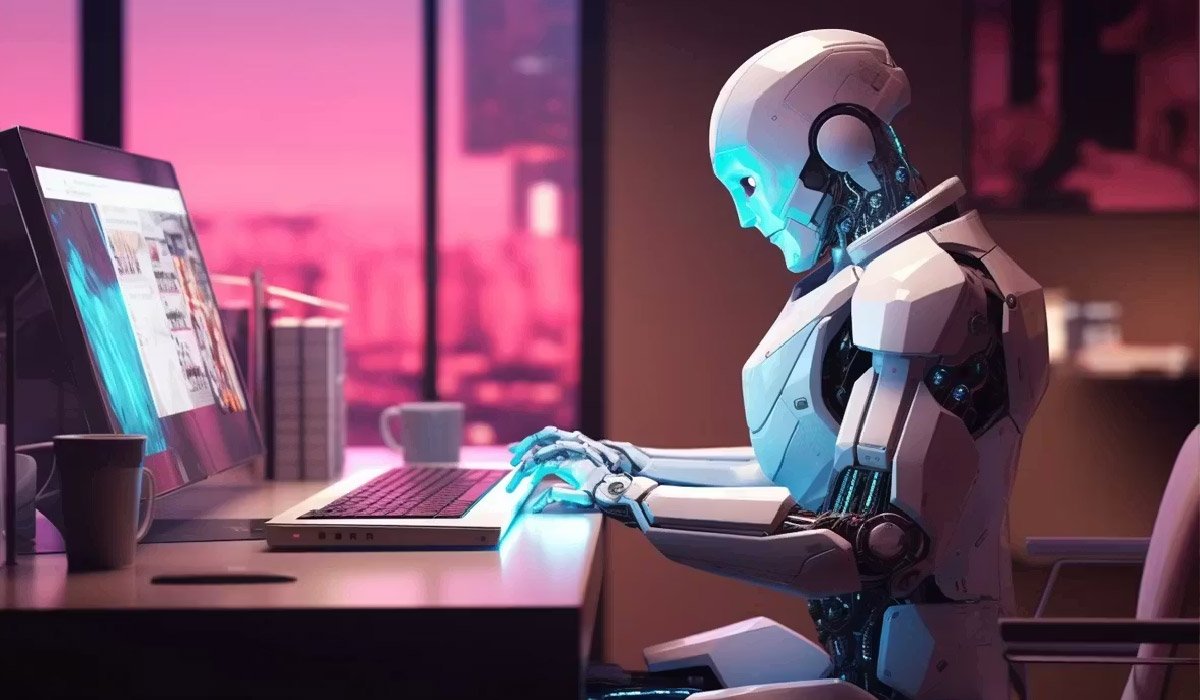
AI image generation and AI video generation have both matured fast—but the real leap in day-to-day creative work happens when you treat them as one connected pipeline. In practice, most teams don’t “make a video with one prompt.” They build momentum: images become style decisions, style becomes identity, identity becomes motion, and motion becomes a finished cut.
This guest post walks through a real-world, repeatable workflow that combines an AI Image Generator, an AI Video Generator, and Image to Video AI—the trio that’s powering everything from ad concepts and social content to product showcases and short cinematic pieces.
Why Images Still Matter in a Video-First World
Video is expensive because it’s a stack of decisions: character design, art direction, set design, lighting, lens, pacing, and continuity. AI video models can help, but they work best when you feed them clarity. That clarity often starts as images.
A strong AI image workflow does three key things for AI video:
- Locks the look: your palette, mood, wardrobe, environment, and camera vibe
- Defines identity: a consistent character or product style that survives multiple shots
- Speeds iteration: you can explore ten directions in images before spending tokens/time on motion
Think of images as your “styleframes”—the way film and animation studios choose a visual direction before animating. The faster you can create and refine styleframes, the smoother your AI video generation phase becomes.
Phase 1: Pre-Production, But Faster
In real projects, you’re usually solving one of these problems:
- “We need a 20–30 second brand spot for social.”
- “We need a product teaser that looks premium.”
- “We need an idea that stands out without a full production team.”
Start by deciding three creative anchors:
- The concept (what happens in one sentence)
- The aesthetic (cinematic, anime, editorial, minimal, surreal, etc.)
- The format (9:16, 16:9, 1:1; fast cuts vs slow, voiceover vs text-only)
This is where an AI Image Generator shines. Instead of brainstorming only in text, you can generate visual “pitches” immediately—like moodboards that also look like finished posters.
A practical trick: generate 6–12 images for the same concept but with different “creative lenses” (lighting, era, location, texture, camera style). Don’t chase perfection yet. Your goal is to find the direction that feels inevitable.
Phase 2: Building Styleframes With an AI Image Generator
Once you have a direction, shift from exploration to consistency. In practice, this means creating a small set of images that define the world:
- A hero shot of the main subject
- A medium shot that shows environment/context
- A detail shot that highlights texture or product features
- One “motion-ready” frame with clear subject separation and depth
When you write prompts, try to include:
- Subject clarity: who/what is the focus
- Environment: where the scene takes place
- Lighting + mood: golden hour, neon noir, soft studio, overcast documentary
- Lens language: close-up, wide, shallow depth of field, handheld feel
- Consistency cues: recurring colors, wardrobe, materials, motifs
The key is to make images that already feel like frames from the same film. That way, when you move to Image to Video AI, you’re not asking the model to invent the aesthetic—you’re asking it to animate what you already approved.
Phase 3: Image to Video AI for Controlled Motion
Now the workflow shifts from “design” to “animation.” Image to Video AI is often the most practical bridge because it preserves your styleframe while adding movement.
In real projects, teams use Image to Video AI for:
- Turning a hero image into a slow cinematic push-in
- Adding subtle environmental motion (hair, fabric, fog, city lights)
- Creating loopable backgrounds for ads or landing pages
- Making story beats feel alive without changing the subject design
The most reliable approach is to start with small motion. Subtle camera moves and gentle character motion tend to look more believable and less glitchy than extreme actions. Instead of “run, jump, fight,” try “turn head slightly,” “smile,” “look toward camera,” “wind moves clothing,” “light flickers,” “camera dolly-in.”
A practical “motion prompt” formula:
- Camera movement (push-in / pan / orbit / handheld)
- Subject motion (blink / breathe / glance / gesture)
- Environment motion (particles / rain / smoke / neon reflections)
- Style lock (“keep same character design, same outfit, same lighting”)
Do 2–4 motion variations per styleframe. You’re building options for an edit, not hunting a single perfect render.
Phase 4: When to Use an AI Video Generator (Text-to-Video)
There are moments when you don’t want to start from an image. That’s where an AI Video Generator (text-to-video) is useful—especially for shots that are hard to art-direct from a single frame, like:
- Establishing shots (city skyline, landscapes, abstract spaces)
- Transitional scenes (fast montage, symbolic visuals)
- Conceptual moments (metaphor-driven scenes that don’t need exact continuity)
A strong hybrid workflow looks like this:
- Use AI Image Generator for identity-critical shots (character/product hero frames)
- Use Image to Video AI to animate those shots with controlled motion
- Use AI Video Generator to create “support footage” that expands the world
This combination reduces the biggest pain point of AI video: inconsistent identity across scenes.
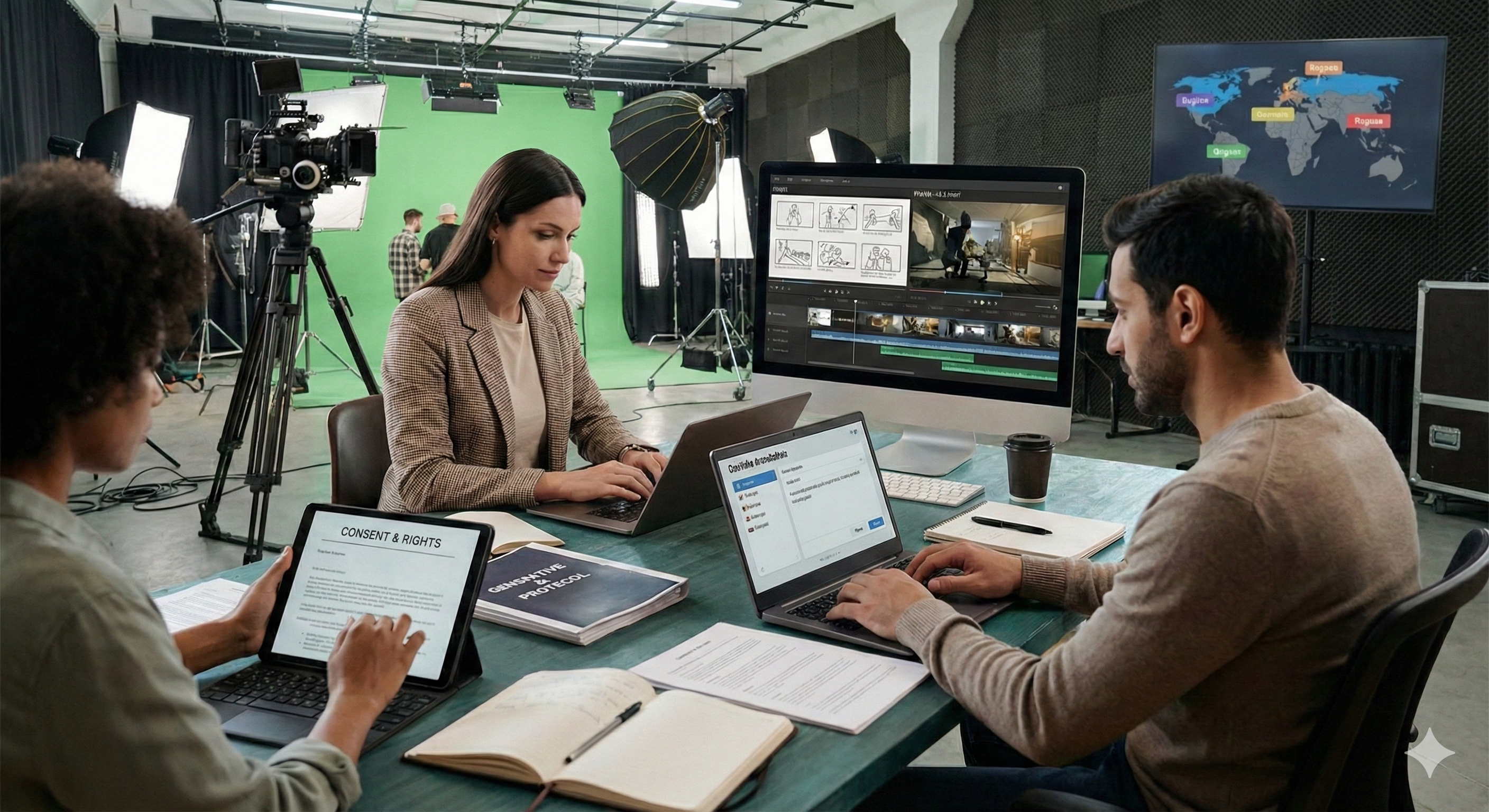
Phase 5: Editing, Continuity, and Finishing Like a Real Production
The difference between “AI output” and “publishable video” is usually editing. Treat your AI clips like raw footage:
- Choose a rhythm (fast cuts for social; slower for premium)
- Keep shot lengths short if motion artifacts appear
- Match color/contrast across clips (basic grading goes a long way)
- Add text overlays intentionally (not as an afterthought)
Audio matters even more. A decent track, clean voiceover, or well-timed sound design can make imperfect visuals feel intentional. In practice, creators often:
- Use music to glue transitions
- Use whooshes/cuts to hide visual jumps
- Use subtitles and punchy on-screen copy for clarity
Finally, do a continuity pass. Ask:
- Does the subject look like the same subject across shots?
- Do lighting and mood stay consistent?
- Is the viewer’s eye guided to the same “main idea” each scene?
A Practical Example: A 15-Second Social Ad Workflow
Here’s what this looks like in the wild:
You’re making a 15-second vertical ad for a new product or feature. You generate 8–10 styleframes with an AI Image Generator, select 3 that match your brand direction, animate each with Image to Video AI using subtle camera moves, and fill gaps with 1–2 text-to-video transitions from an AI Video Generator (like an abstract background or dynamic environment shot). Then you edit: quick pacing, bold text, strong opening frame, and a clean CTA.
The result is not just “AI video.” It’s a workflow that behaves like production—concept, art direction, motion, edit—only faster.
The Big Takeaway
AI image generation and AI video generation aren’t competing tools; they’re complementary stages. The most effective creators treat AI Image Generator → Image to Video AI → AI Video Generator as a practical pipeline:
- Images define the identity
- Image-to-video adds controlled motion
- Text-to-video expands the world
- Editing turns it into a story
If you build your workflow around those roles, you’ll spend less time wrestling randomness and more time shaping creative decisions—exactly what production is supposed to be.
For More Information, Visit Dotmagazine