Why AI Video Is Moving From Prompt Experiments to Creative Previsualization

AI video generation has moved quickly from novelty to practical creative tool. A few years ago, most people judged AI video by whether it could produce a surprising clip from a text prompt. Today, the more useful question is different: can it help teams plan, test, and refine video ideas before production begins?
That shift matters for creators, agencies, marketers, educators, and digital brands. Video is now expected almost everywhere, from social media and landing pages to product launches, training content, and campaign teasers. But producing video still takes time. Even a short clip can require planning, visual references, editing, sound, captions, and several versions for different platforms.
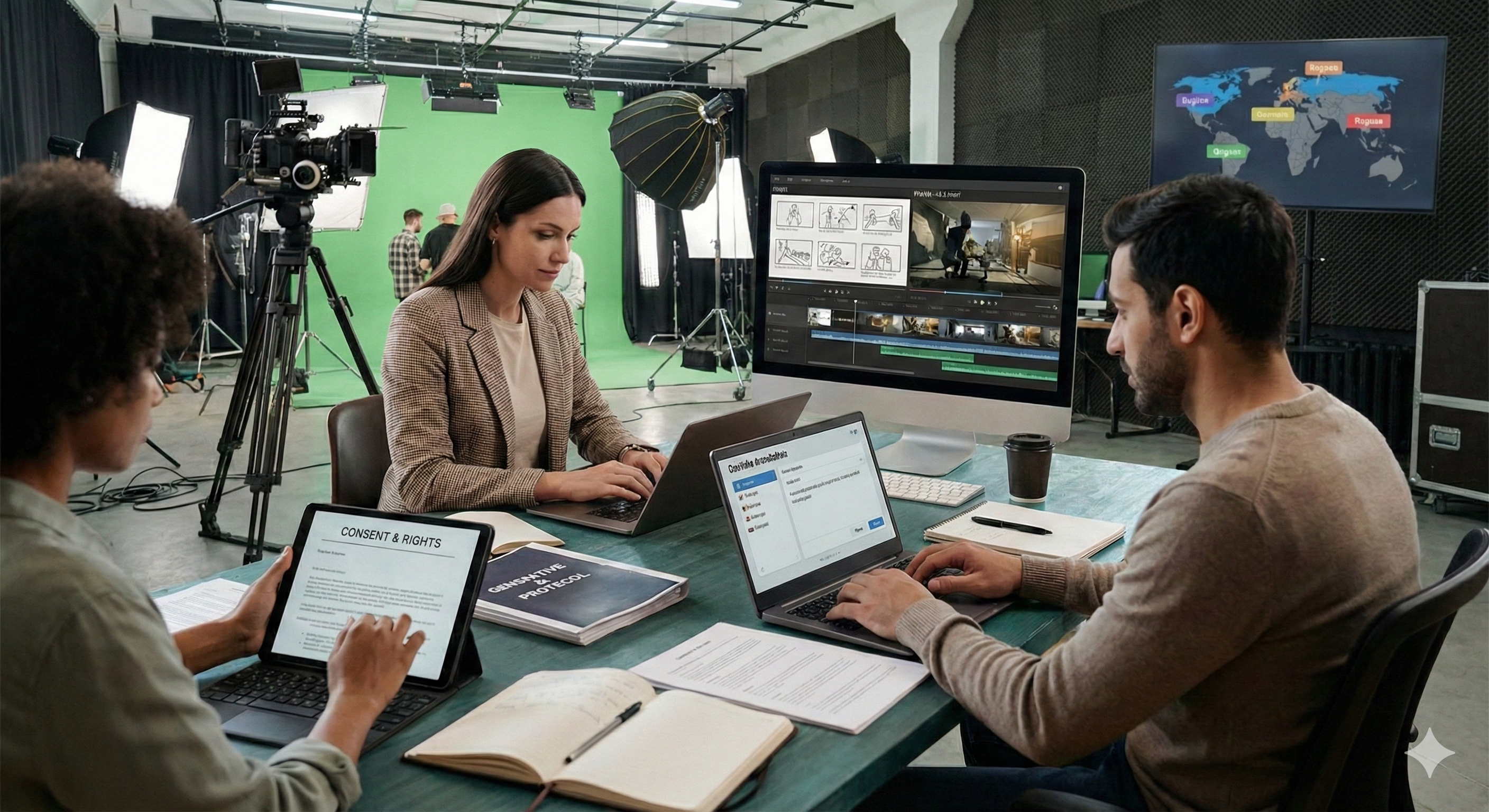
This is why AI video is becoming less about one-off prompt experiments and more about creative previsualization. A team can use AI to see whether an idea works in motion before investing in a full edit, shoot, or campaign rollout.
The First Draft Is Becoming Visual
Many creative projects begin as rough notes. A marketing team may have a campaign line, a product image, a mood board, and a short audio idea. A creator may have a reference clip, a storyboard frame, or a visual style they want to explore.
Traditionally, those ideas would stay abstract until someone created a storyboard, mockup, or rough edit. AI video changes that process by letting teams turn early ideas into moving drafts.
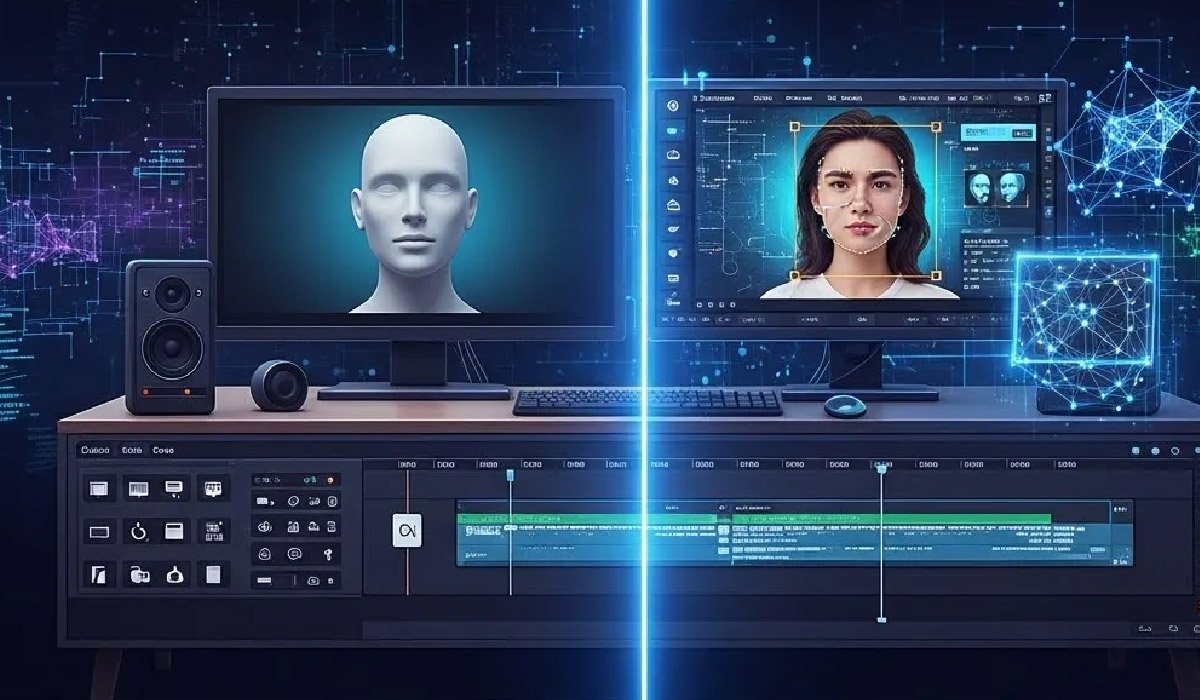
Tools such as Seedance 2.0 fit into this change because they support text, image, audio, and video references. Instead of relying only on a blank prompt, users can bring existing materials into the generation process and describe how those assets should influence the final clip.
That makes the first draft more useful. It is not just a random generated video. It becomes a visual test of a creative direction.
Why References Matter More Than Prompts Alone
Text prompts are powerful, but they are not always enough. A prompt can describe a cinematic product shot or a fast social teaser, but it may miss specific details: the look of a product, the movement of a camera, the rhythm of an audio cue, or the continuity of a scene.
Reference-based workflows help close that gap. With AI video generation with Seedance, users can guide the output with multiple inputs. An image can define a subject. A video can guide motion. Audio can influence timing. A prompt can describe light, atmosphere, transitions, and camera direction.
For real creative work, consistency is often the difference between a useful draft and a throwaway clip. A product should remain recognizable. A character should not change unexpectedly. A brand video should feel connected to the campaign materials that already exist.
Previsualization for Brands and Creators
Previsualization is not only for film studios. It is becoming useful for smaller creative teams too.
A fashion brand can test how a still product image might work as a short video teaser. A YouTuber can explore an intro before recording the full episode. A startup can turn a product screenshot into a visual concept for a landing page. An agency can show a client three possible campaign directions before committing to the final edit.
In these cases, the AI-generated draft does not need to be the finished asset. It needs to help people decide. Does the idea feel strong enough? Is the pacing right? Does the opening frame catch attention? Should the video feel cinematic, casual, instructional, or social-first?
This is where creating videos with Seedance 2.0 can support a more flexible workflow. The platform’s multimodal controls allow teams to test directions from existing assets, refine the strongest version, and avoid rebuilding every idea from the beginning.
Short-Form Video Has Raised the Stakes
Short-form platforms have changed how teams think about video. A clip may need to work in the first two seconds. It may need to function without sound, then feel better with sound. It may need a vertical version for social media, a wider version for a website, and a cleaner version for a presentation.
That means creative teams are not producing one video anymore. They are producing variations. Each version may need a different hook, length, rhythm, or visual treatment.
AI video can help with that early testing stage. Instead of creating one polished edit and hoping it works, a team can compare several draft directions. The strongest idea can then move into editing, voiceover, design, or final production.
A More Realistic Role for AI Video
The strongest role for AI video is not replacing directors, editors, designers, or marketers. It is helping them start faster and review ideas earlier.
A clear workflow might look like this:
- Collect the images, clips, audio, and references already available.
- Define the platform and format.
- Write a prompt that explains motion, pacing, and mood.
- Generate a short draft.
- Review what works and what needs refinement.
- Send the best version into the next stage of production.
This process keeps human judgment at the centre. AI creates the draft, but people decide whether the idea is clear, credible, and worth developing.
What Comes Next
AI video will likely become a normal part of content planning. Teams will use it to test product visuals, campaign ideas, educational clips, social posts, and storyboards before committing more time and budget.
The most useful tools will be the ones that give creators more control, not just faster output. Reference inputs, audio-video coordination, motion direction, and editing flexibility are becoming important because real projects rarely begin from a clean prompt.
That is the larger shift Seedance 2.0 AI Video Generator represents. AI video is moving from simple generation toward directed creation. For creators and brands, that means video ideas can become visible sooner, tested faster, and improved before they reach the audience.