SoundCloud is one of the most popular music streaming platforms in the world, offering millions of tracks from independent artists, DJs, and major labels. From exclusive remixes to podcasts and live DJ sets, SoundCloud has become a must-have resource for discovering new audio content. However, one common limitation frustrates many users: SoundCloud doesn’t allow direct MP3 downloads for most tracks.
So what if you want to listen to your favorite SoundCloud music offline, transfer it to an MP3 player, or keep a personal backup? That’s where a reliable SoundCloud to MP3 solution comes in. In this guide, we’ll show you how to download SoundCloud to MP3 easily and safely, and explain why ViWizard Streaming Audio Recorder is one of the best tools for the job.
Why Download SoundCloud Music to MP3?
While streaming is convenient, it isn’t always practical. Downloading SoundCloud music to MP3 offers several clear advantages:
- Offline Listening Anytime: once converted to MP3, you can enjoy SoundCloud tracks without an internet connection—perfect for travel, commuting, or workouts.
- Device Compatibility: MP3 is universally supported. You can play your SoundCloud music on smartphones, tablets, Windows and Mac computers, car audio systems, smart TVs, and even traditional MP3 players.
- Permanent Access: some SoundCloud tracks may be removed, restricted, or made private by creators. Saving them as MP3 ensures you won’t lose access to your favorite audio.
- Flexible Music Management: downloaded MP3 files can be organized, edited, and transferred freely, giving you full control over your music library.
The Challenge: SoundCloud’s Built-in Limitations
It’s important to note that SoundCloud itself only offers direct downloads for tracks where the uploader has explicitly enabled the option. For the vast ocean of streams and mixes, the “Download” button simply isn’t there. This is where third-party solutions come in, and not all are created equal. Many online “SoundCloud downloaders” are riddled with ads, pop-ups, file size limits, or questionable security. What you need is a method that is reliable, high-quality, and safe.
Your Professional Solution: ViWizard Streaming Audio Recorder
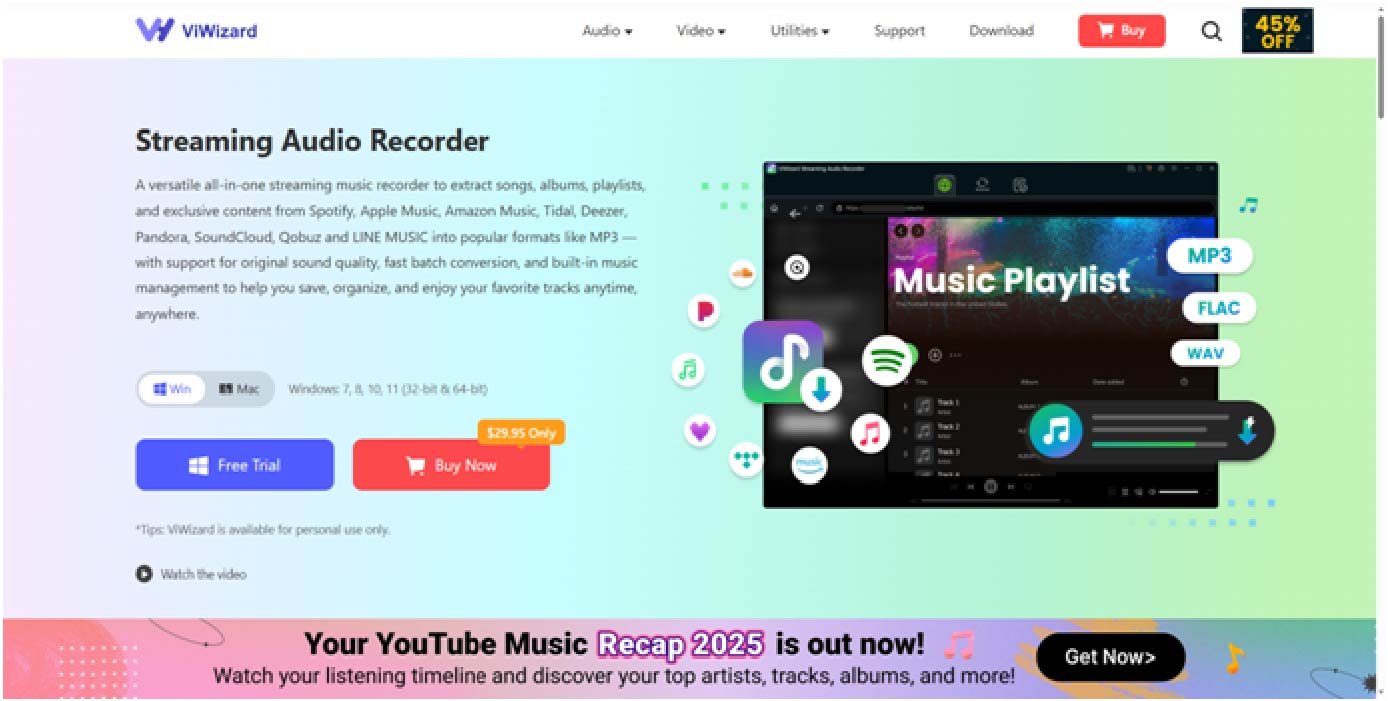
This is whereViWizard Streaming Audio Recorder transforms the experience: one of the best downloader of SoundCloud. It’s not just a downloader; it’s designed to record and convert music from streaming platforms, including SoundCloud, into high-quality MP3 files. Unlike unreliable online tools, ViWizard captures audio directly during playback, preserving original sound quality while giving you full control over output settings.
Here’s your simple, effective guide on how to use ViWizard to download any SoundCloud track:
Step 1: Download and Install
Begin by downloading ViWizard Streaming Audio Recorder from its official website. The installation is quick and straightforward for both Windows and Mac users.
Step 2: Customize Output Settings
ViWizard gives you control. Head to the “Preferences” menu. Here, you can set the output format to MP3 (it also supports WAV, AIFF, M4A, etc.). You can also adjust the bit rate for optimal file size and quality balance and organize your downloads into specific folders.
Step 3: Log in to your SoundCloud Account
In the ViWizard interface, you will see all the available music streaming platforms; select SoundCloud. Then, you will be directed to the integrated web player where you can log in to your SoundCloud account to browse your entire music library.
Step 4: Add Your Desired Tracks to ViWizard
You can directly copy the links of the songs you want to download, or browse your music library to select them. Then, click the “+” button to import the selected songs into ViWizard.
Step 5: Start the SoundCloud Music Conversion
Go to the Converting panel and you will see all the imported tracks. Simply click the Convert button located in the bottom right corner to start the conversion. Just wait a moment and the download will be completed.
Your downloading will appear in ViWizard’s history list. You can click the folder icon to locate the perfectly captured MP3 file on your computer, ready to be transferred to any device.
Why Choose ViWizard Over Other Methods?
Uncompromising Quality: It records the original streaming audio, preserving the richness and detail of the music.
Universal Compatibility: It works not just on SoundCloud, but on any streaming site or app—Spotify, Apple Music, YouTube, podcasts, webinars—making it an incredibly versatile audio toolkit.
No Dependence on Buttons: It bypasses the need for a “download” link, giving you access to virtually any streamable audio content.
Safe and Secure: As a desktop software, it operates offline after installation. No need to upload links to sketchy servers, protecting your privacy and your computer’s security.
Efficiency: It can record continuously, allowing you to capture long mixes, podcasts, or entire playlists in one sitting.
Final Thoughts
If you’re searching for a reliable way to download SoundCloud to MP3, look no further than ViWizard Streaming Audio Recorder. With its high-quality output, ease of use, and wide compatibility, it provides a professional solution for converting SoundCloud music into MP3 files you can enjoy anytime, anywhere.
Instead of dealing with unstable online downloaders or low-quality audio, choose a tool that delivers consistent results. Try ViWizard Streaming Audio Recorder today and take full control of your SoundCloud music experience.